Java Edition Address
MOTD
much wow
About
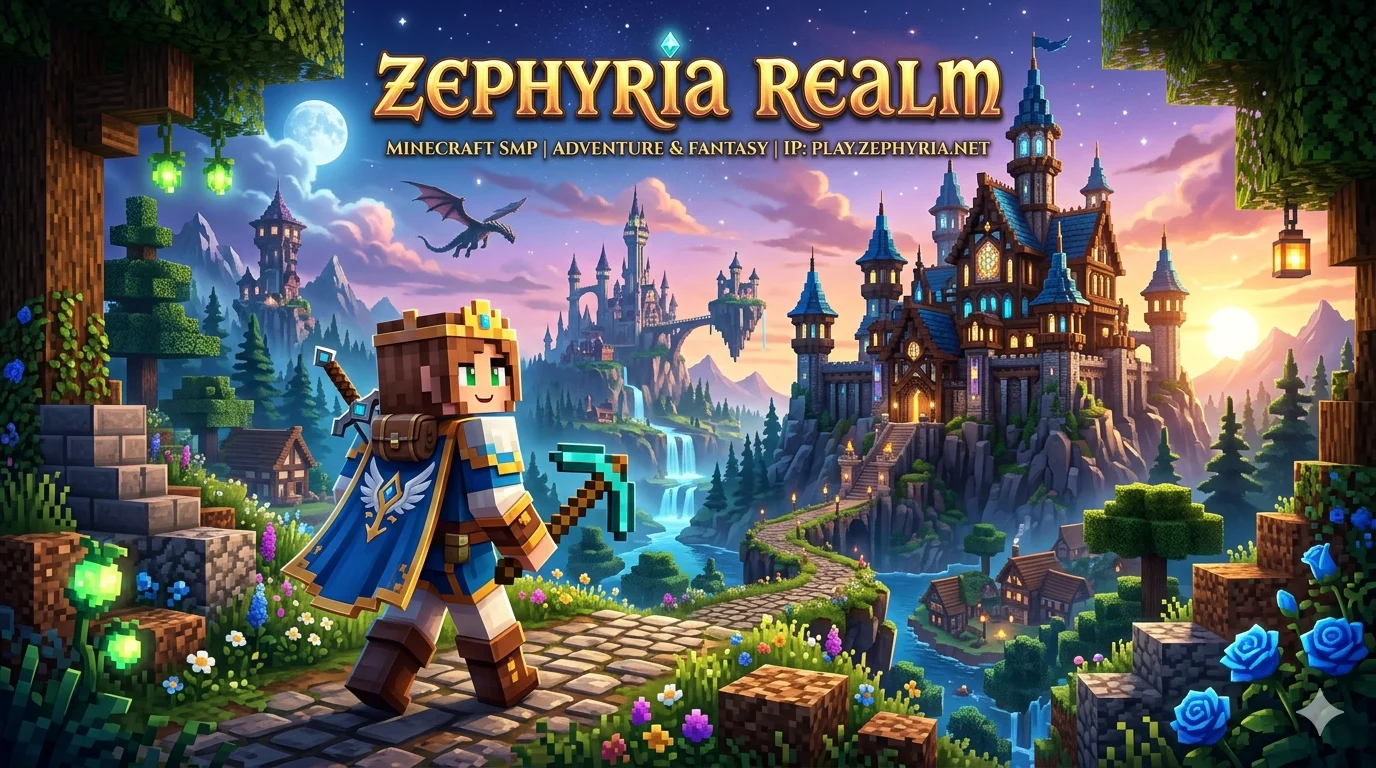
Zephyria Realm adalah server Minecraft SMP bertema Adventure & Fantasy. Kami menggabungkan petualangan survival klasik dengan elemen roleplay RPG fantasi yang mendalam, mulai dari kastil megah, naga mitologi, hingga quest petualangan yang menantang.
Tim admin kami aktif memantau server untuk memastikan bebas dari cheater, bug, maupun pemain toxic. Kami percaya bahwa server Minecraft yang luar biasa dibangun dari komunitas yang saling mendukung.
Apakah pemain bajakan (Cracked) bisa main?
Ya! Server kami dikonfigurasi untuk menerima koneksi dari pemain Minecraft Original (Premium) maupun Minecraft bajakan (Cracked/TLauncher). Pastikan kamu mendaftarkan akun kamu menggunakan perintah /register saat pertama kali join.
Top Voters
Players who voted most for this server this month.
- #1HunterSSKL1 votes

Server Statistics
Frequently asked questions
How do I join ZEPHYRIA REALM on Minecraft: Java Edition?
To join ZEPHYRIA REALM on Java Edition (Windows, macOS, or Linux): 1. Open the Minecraft Launcher and start Java Edition. 2. Click 'Multiplayer', then 'Add Server'. 3. Enter ZEPHYRIA REALM as the Server Name and play.zephyriarealm.my.id:19273 as the Server Address, then click 'Done'. 4. Select ZEPHYRIA REALM from your server list and click 'Join Server'.
Do I need a paid Minecraft account to join ZEPHYRIA REALM?
You need Minecraft: Java Edition with a Microsoft account. Whether ZEPHYRIA REALM allows cracked (offline-mode) accounts depends on the server owner, so check the description, website, or Discord linked on this page. MSID does not sell Minecraft accounts; buy only from minecraft.net or the official Microsoft Store.
How much does it cost to play on ZEPHYRIA REALM?
MSID is free to use. Whether ZEPHYRIA REALM charges for in-game perks (ranks, kits, cosmetics) is up to the server owner, so check the description, website, or Discord linked on this page. You still need to own Minecraft on the matching edition to connect.
Where is ZEPHYRIA REALM hosted, and what ping can I expect?
ZEPHYRIA REALM is listed on MSID, the Indonesian Minecraft server directory. Most servers here are hosted in or near Indonesia, so players in Indonesia, Singapore, and Southeast Asia typically see ping under 100 ms. Players from other regions can still connect but should expect higher latency.
What do I do if I can't connect to ZEPHYRIA REALM?
If you can't connect to ZEPHYRIA REALM, try these steps: 1. Check the status indicator at the top of this page; the server may be offline. 2. Copy the address and port using the copy buttons above to avoid typos. 3. Make sure you are using the correct edition (Java vs Bedrock). 4. Update your Minecraft client to a version the server supports. 5. Restart your launcher, computer, and router. 6. Allow Minecraft through your firewall and antivirus.
If the problem persists, contact the server through the official links on this page.
How do I vote for ZEPHYRIA REALM on MSID?
Click 'Vote for server' on this page, enter your in-game username (Java username or Bedrock gamertag), and submit. You can vote once every 24 hours. Voting boosts ZEPHYRIA REALM in the MSID rankings and, if Votifier is enabled, delivers in-game rewards on your next login.